A small bot for your Discord server
Useful things for
the place you hang out.
Check server details, look up members, and give your community a simple economy. Envy keeps things clear and each server’s balances separate.
A look inside Envy
Replies that are
easy to read.
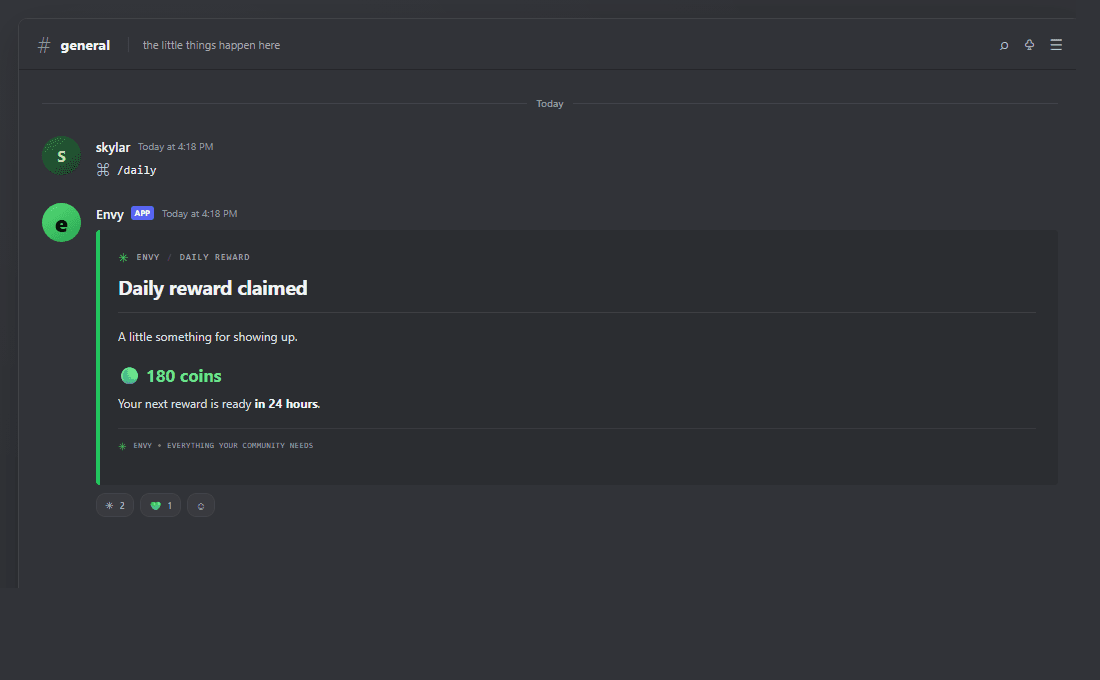
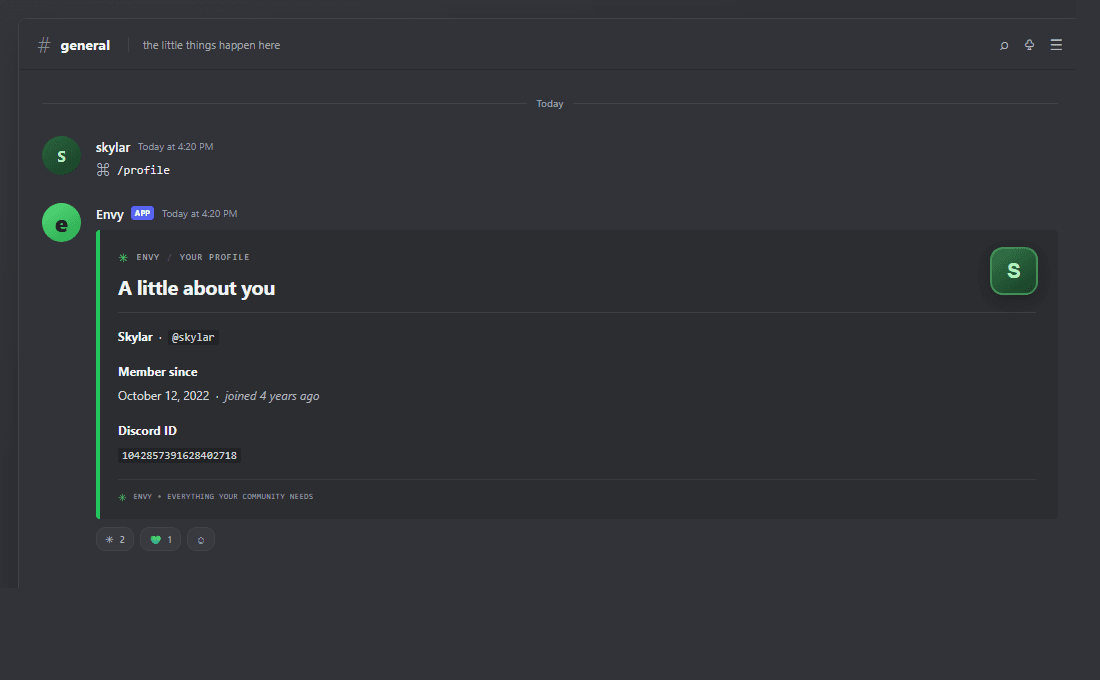
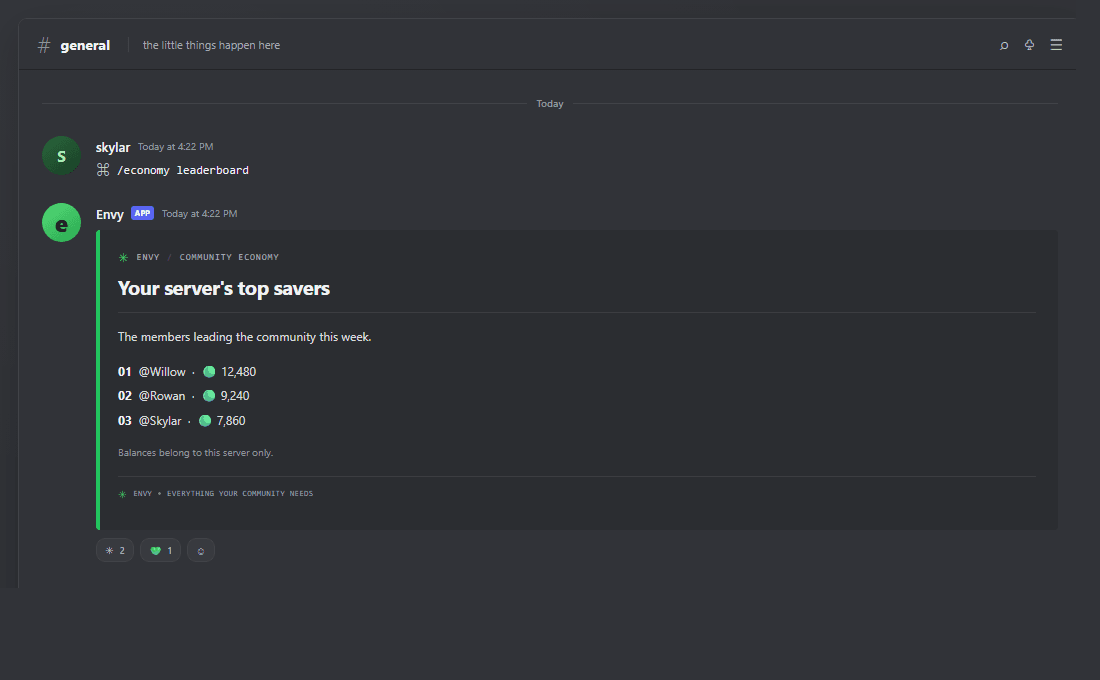
These Discord-style screenshots show the real copy and Components V2 layouts used by the bot. Discord applies the final styling in its client.
What works now
Small, useful tools.
No mystery features.
Here’s what you can use in your server today.A server-specific economy
Give your members a shared reason to join in with server-specific balances, rewards, work, transfers, and a leaderboard.
See what’s included AvailableA friendlier first hello
Welcome new members, run quick polls, and give your community a private place to ask for help.
See what’s included AvailableMake room for play
Take a quick break with a coin flip, a dice roll, or a multiple-choice trivia round.
See what’s included AvailableCelebrate showing up
Recognise participation with levels, milestones, achievements, and server leaderboards.
See what’s included AvailableA safer space to grow
Handle common moderation actions with Discord permission checks, warning history, and native spam protection.
See what’s included AvailableCollect something meaningful
Collect items from the server shop, keep them in your inventory, and trade with other members.
See what’s included AvailableServer and member info
Get a quick look at a server or member with Envy’s general commands.
Browse commandsGetting started
Pick a command.
That’s about it.
No setup wizard or dashboard required for the commands that are live.- 01
Open the command list
See what Envy can do and what each command needs.
- 02
Run it in Discord
Type
/and choose an Envy command. - 03
Keep your community moving
Claim rewards, check balances, or find server information.
What can Envy do today?
Use server and member information commands, or try the server-specific economy: check balances, claim daily and weekly rewards, work, pay other members, and view the leaderboard.
Is the economy shared between servers?
No. Every server has its own balances and leaderboard. Coins earned in one server stay there.
Does Envy read server messages?
No. Envy does not request the message-content intent or monitor ordinary messages.
Can I configure Envy from a dashboard?
Not yet. The dashboard and Discord sign-in are planned, but are not available today.
Envy, for Discord